



Short answer
Google Business Profile, formerly Google My Business, is the free listing that shows your business on Google Search and Google Maps. You create it at business.google.com with a Google account: you add the name, the category, where you are or the area you cover and your contact details, then confirm the business is yours using the method Google offers you. After that, fill in everything, ask every customer for a review and keep the profile up to date.
What is a Google Business Profile?
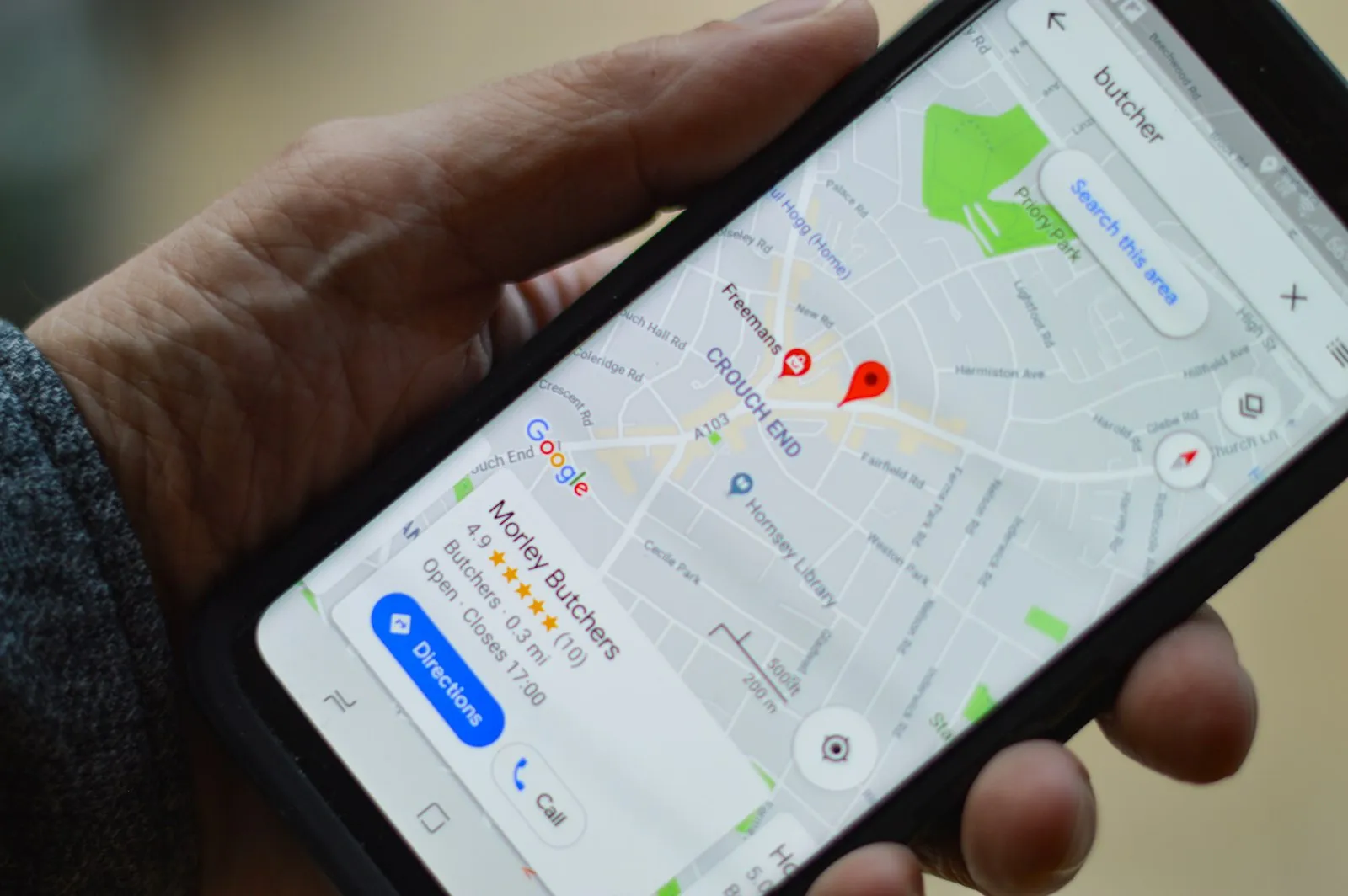
It’s your business’s listing that Google shows on Search and on Google Maps: the name, your address or the area you cover, opening hours, phone number, a link to your website, photos and customer reviews. For years it was called Google My Business. Today it’s called Google Business Profile, and it’s the same service.
It’s free, and you don’t need a website or premises open to the public. A business that visits its customers at home can have a profile too, with the area it covers instead of an address. All you need is a Google account and to confirm that the business is yours.
Where the profile appears is up to Google. It mainly looks at three things: whether the profile matches what the person is looking for, how far you are from them and how well known your business is, where reviews count too. A complete, accurate profile doesn’t guarantee a place, but it gives Google what it needs to show you.
How to create it, step by step.
Google’s screens change fairly often, but these are the steps:
- Go to business.google.com with the Google account that will manage the profile. Ideally a business account, not the personal account of someone who may leave one day.
- Search for your business’s name. If a profile already exists (Google creates some from public information), ask to manage it instead of creating another. If not, add the business.
- Write the name exactly as you use it on your shopfront, your invoices and your website, with no words added.
- Choose the primary category, the one that best describes what you do.
- Say whether customers come to you at an address or you go to them. In the second case, you set the area you cover and the address isn’t shown.
- Add your phone number and the link to your website.
- Confirm that the business is yours (Google calls it verification). Google chooses which methods are available for each business: a phone call or text message, an email, or a short video showing your premises, your work and your location, among others. The review may take a few days, and only then can you manage the profile and see your changes published.
What to fill in, and how.
A complete profile helps the people looking for you decide without having to ring and ask. Once you’re verified, it’s worth filling in:
- Categories. One primary category, the most precise one, and only the additional ones that match what you really do. Google accepts up to ten in total.
- Address or service area. The exact address, with the pin in the right place on the map, or the towns and regions you cover.
- Opening hours. Your regular hours and special hours for bank holidays and time off, so nobody finds the door closed.
- Services or products. Each with the name your customers use and a short description, and the price, if it makes sense.
- Photos. Real and recent: your logo, a cover photo, the shopfront so people recognise it when they arrive, the inside, your work and your team.
- Description. Up to 750 characters on what you do, for whom and where, and what sets you apart.
- Links. Your website and, if you have them, a booking link and your social media.
Use the same name, phone number and address on your profile, your website and your social media. When everything matches, it’s easier for Google and for customers to see that it’s the same business.
Reviews, and keeping it up to date.
Reviews are among the first things people read on a profile. Three simple rules:
- Ask every customer. At the end of each job or delivery, with the review link your profile gives you, or with a QR code made from it. Ask everyone, not only the ones you think were happy.
- Never offer anything in return. Discounts or gifts for a review go against Google’s rules, as do reviews that are bought or written by your team.
- Reply to every one. Thank people for the good ones. To the bad ones, reply calmly, explain what happened and offer to put it right, without any of the customer’s personal details.
Once it’s set up, the profile asks for little, but regularly. Update your hours before each bank holiday, add new photos now and then and post updates: a finished job, a new service, an event. Also check suggested edits, because anyone can suggest changes to your profile, and Google sometimes applies them.
If you’d rather not handle this on your own, with our SEO consulting (from €465 + VAT, in a single payment) we set up and fill in your profile and help you through verification. The photos and the reviews are still yours, because nobody knows your work like you do. To keep it up to date every month, the SEO plan goes on top of your website’s support and includes two posts a month on your profile. We don’t promise rankings: the order is Google’s to decide.
Frequently asked questions
It's the old name of Google Business Profile. The service changed its name, but it's still the free listing that shows your business on Google Search and Google Maps, with your address or the area you cover, your opening hours, contact details, photos and reviews.
Yes. Creating, verifying and managing the profile costs nothing. You only pay if you want Google ads, which are a separate service, or if you ask someone to look after the profile for you.
By asking every customer, at the end of each job or delivery, with your profile's review link or a QR code. Never offer anything in return, and reply to every review, good and bad.
You can't delete a customer's review. If it breaks Google's rules (for example, if it's fake, offensive or has nothing to do with your business), you can report it from your profile, and Google decides whether to take it down. In the meantime, reply calmly: whoever reads the review also reads your reply.
Using the Google account that manages the profile, search for your business's name on Google or open Google Maps: the profile appears with the options to edit it, and the reviews have a section of their own. You can also sign in at business.google.com.